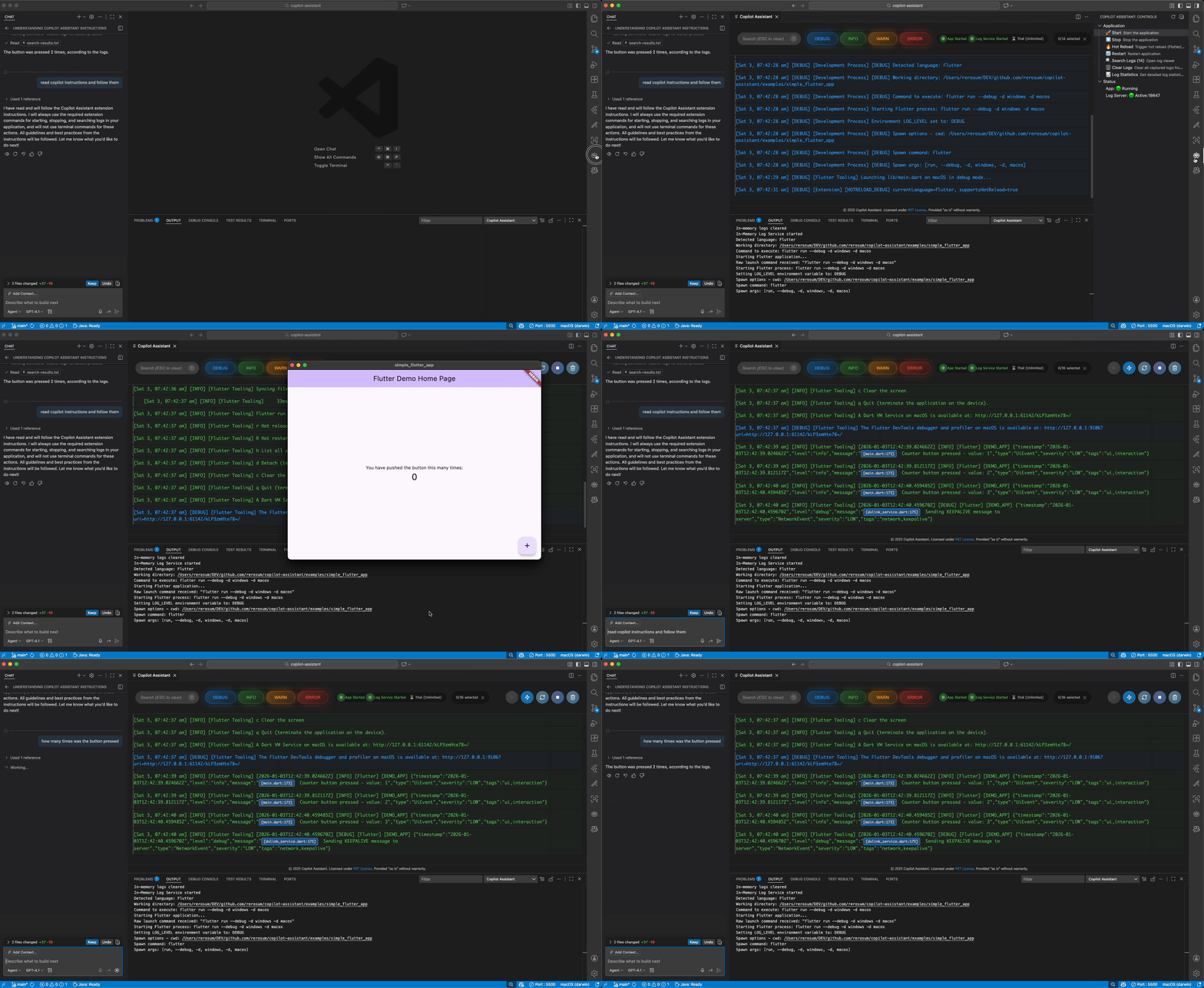
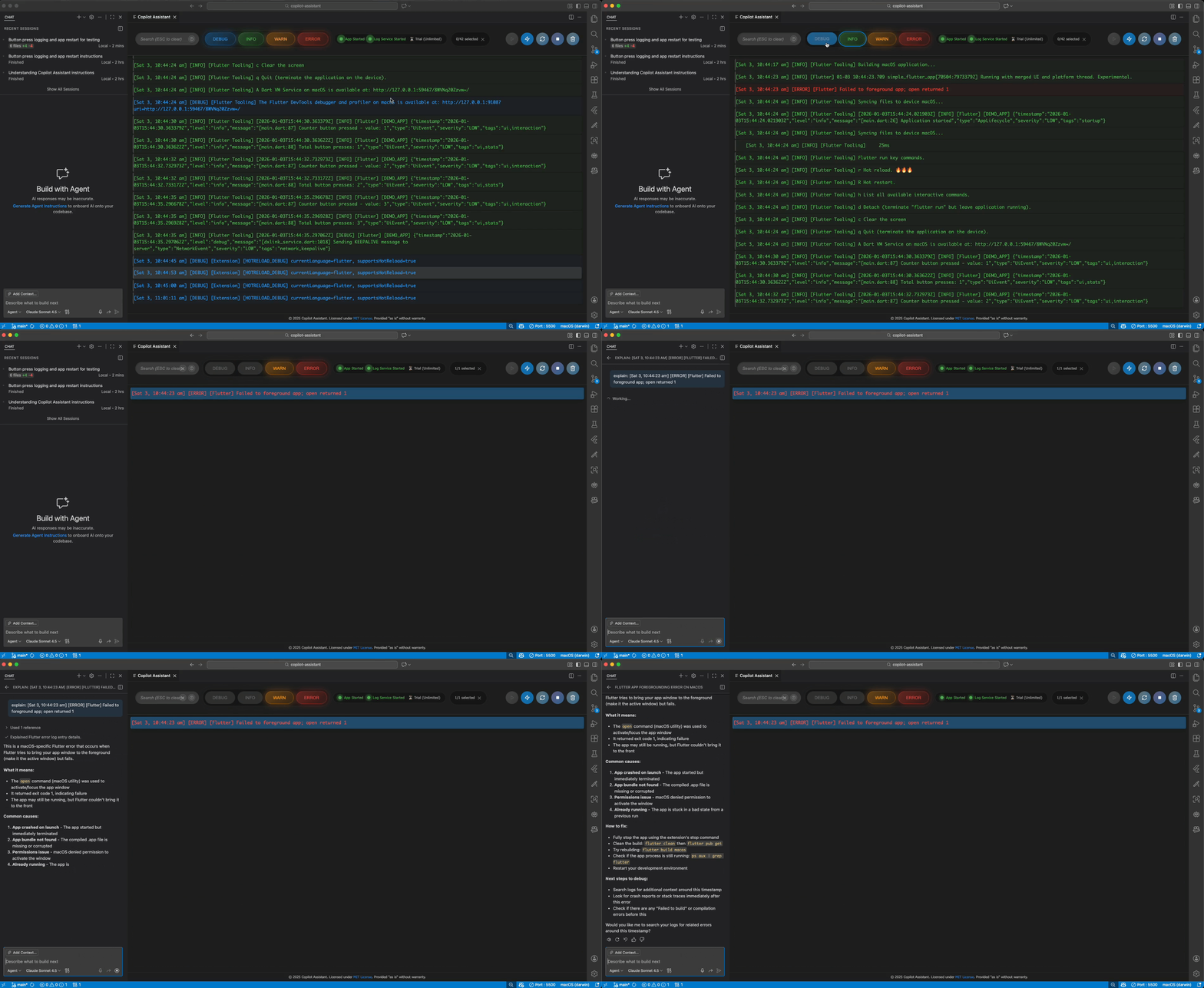
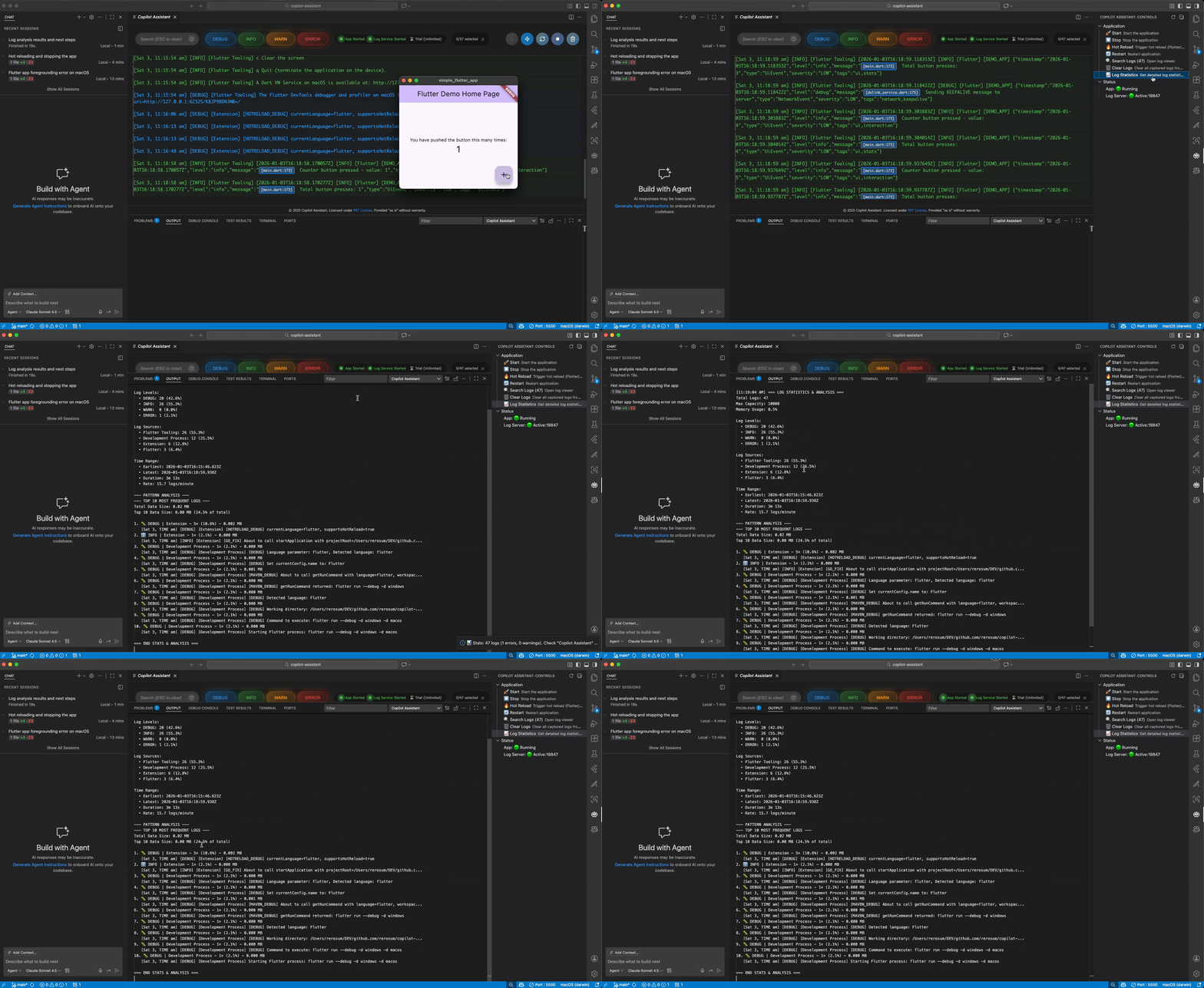
Streamline your development workflow with full log access for GitHub Copilot. Build faster and more accurately with intelligent log monitoring, automatic hot reload, and real-time assistance for Flutter, Go, Java, Python, and Node.js projects.
✓ Flutter ✓ Node.js ✓ Java ✓ Go ✓ Python
Real-time log monitoring with clickable file references
Share logs directly with Copilot for instant analysis. Copilot can execute extension commands automatically for autonomous debugging workflows.
Automatic hot reload for Flutter and nodemon-style restarts for other languages. Smart file watching detects when to reload vs restart.
Auto-detects your project language (Flutter, Go, Java, Python, Node.js) and runs the right commands. Works seamlessly on Windows, macOS, and Linux.
Interactive log viewer with search, filter, and regex support. Ctrl+Click file navigation opens source files at specific lines directly from logs.
Event-driven updates with zero polling overhead. Up to 10,000 log entries stored in memory for instant access and real-time monitoring.
Fully compatible with agent Copilot workflows. Programmatic commands enable Copilot to control your app without user intervention.
Copilot analyzes your app logs automatically, finds issues, and suggests fixes. Test changes via hot reload and iterate without copying errors to chat.
One extension for Flutter, Go, Java, Python, and Node.js. Language-specific patterns detect when to hot reload vs restart your application.
Lightweight design with minimal dependencies. In-memory logs, unified output channel, and search results file for programmatic access.
Download from VS Code Marketplace or install via command line
code --install-extension rerosum.copilot-assistant
Open any Flutter, Node.js, Java, Go, or Python project in VS Code
Click the Copilot Assistant icon in the sidebar and press "Start" to begin tracking logs
Install Copilot Assistant and start monitoring your applications today